# Basic Configuration Welcome to the Basic Configuration page. This section offers a comprehensive guide to the simple yet essential features that are easy to set up, providing a foundation for your configuration needs. ## Accessing Your Guild's Dashboard Once you've invited the bot to your server, you can access the guild's dashboard using one of the following methods: - **Forward Slash Command:** Type `/dashboard` in any text channel where the bot has access. - **Regular Message:** Send a message with `?dashboard` in a channel the bot can view. Either command will provide you with a link to the dashboard where you can configure settings and manage your guild effectively. --- ## Setting my quaratine system Making a quaratine system in your server is extremely easy. Once you have opened your dashboard, head to the sidebar and open the quaratine section. 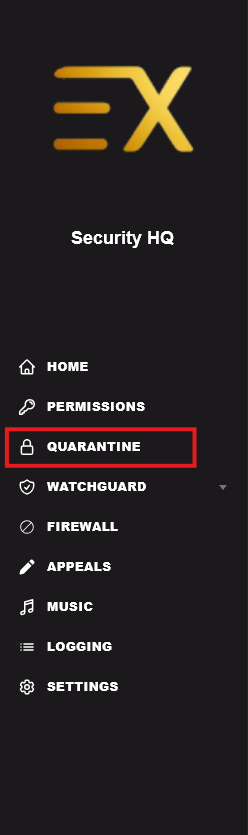 Now you are in the quaratine section of the dashboard, which means you can review quarantined members and access the setup controls. Depending on whether this system has already been configured, the panel may look slightly different. 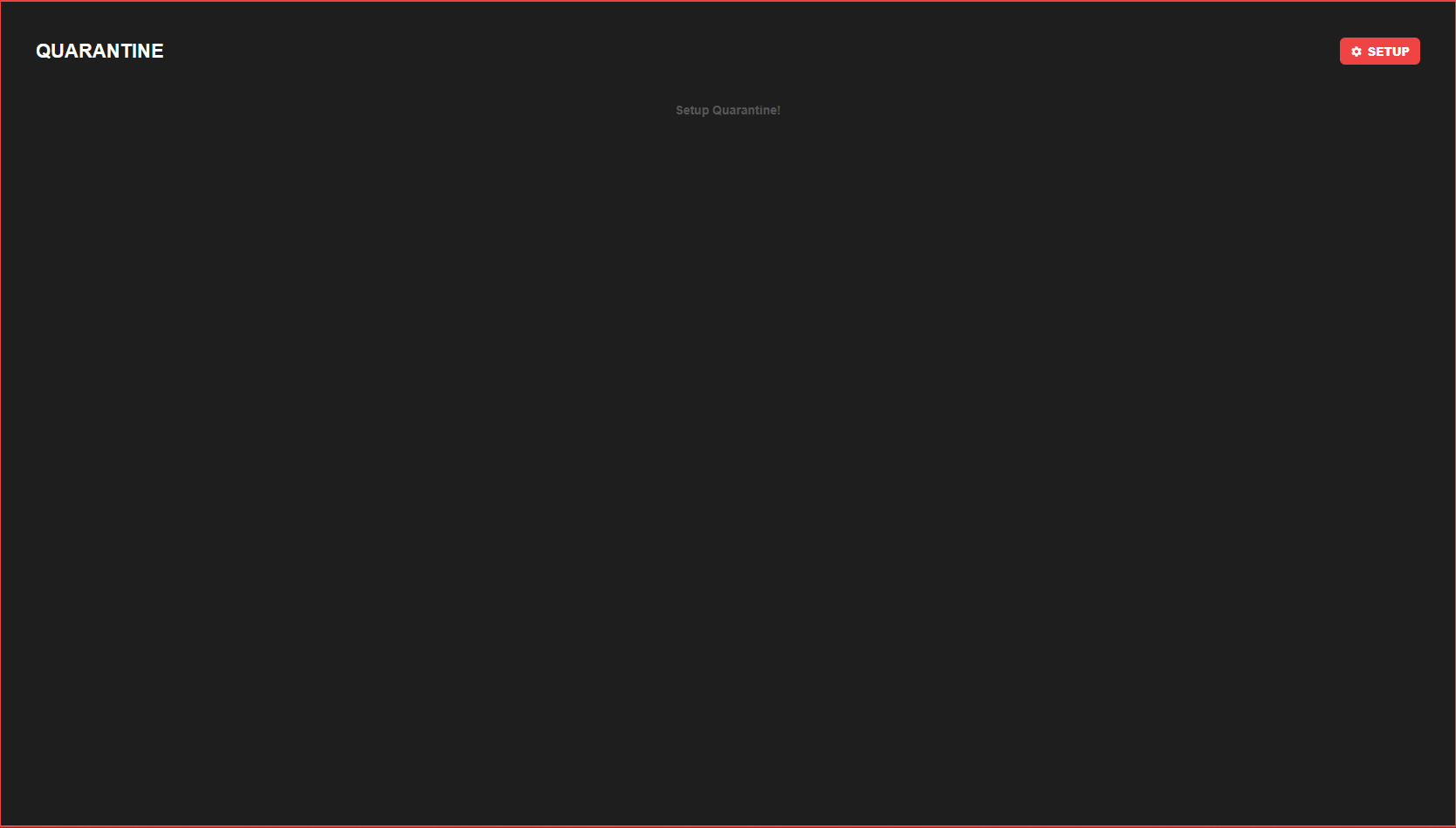 A RED box indicates an un-setup quaratine system, adjust this by pressing SETUP in the corner. By clicking this, you will receive two options: one for a manual setup intended for more advanced systems, and one automatic setup. We recommend using Automatic if you are unsure what to choose. 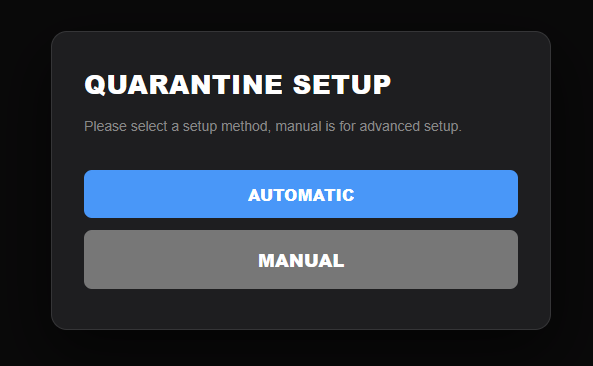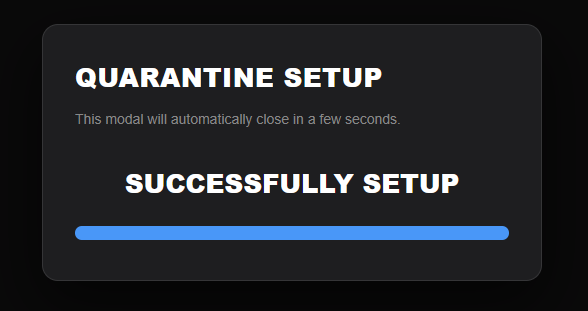 Once completed, you will see this and the message will dissappear. > Please note, Exorion Owner permission has a full whitelist immunity of all automod and protection, we recommend giving this out to trusted friends only.